
Custom DMS Integration in Marketplace
Setting up the custom DMS with Yelo is a cakewalk with the custom webhook integration. All you have to do is create an API that interacts with the Delivery Management System’s API and get the Endpoint URL & the Authentication key from the Delivery partner you wish to integrate.
Here is how to set up custom DMS:
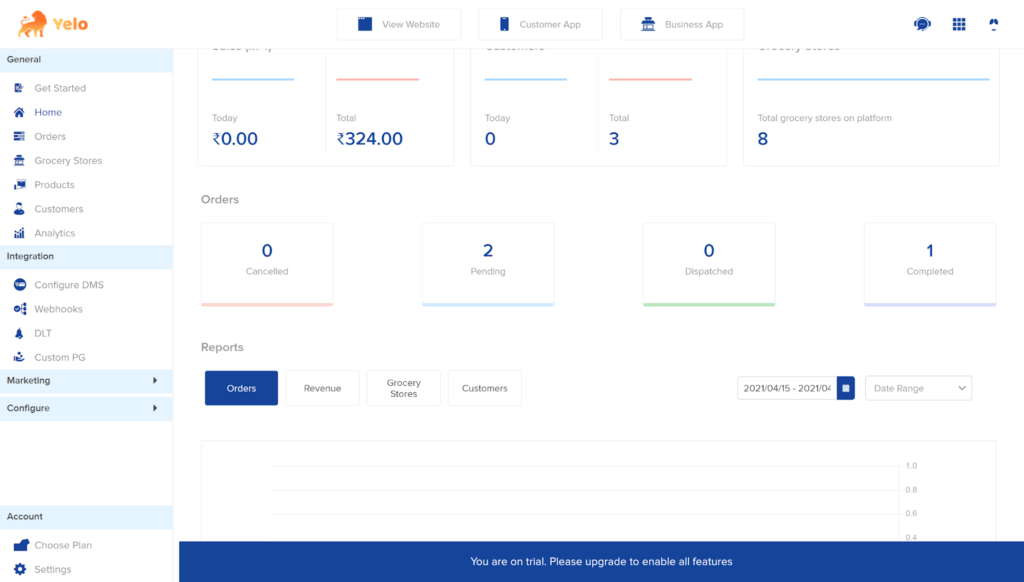
- Log in to the Yelo admin dashboard, where your monthly sales, revenues and orders can be viewed.
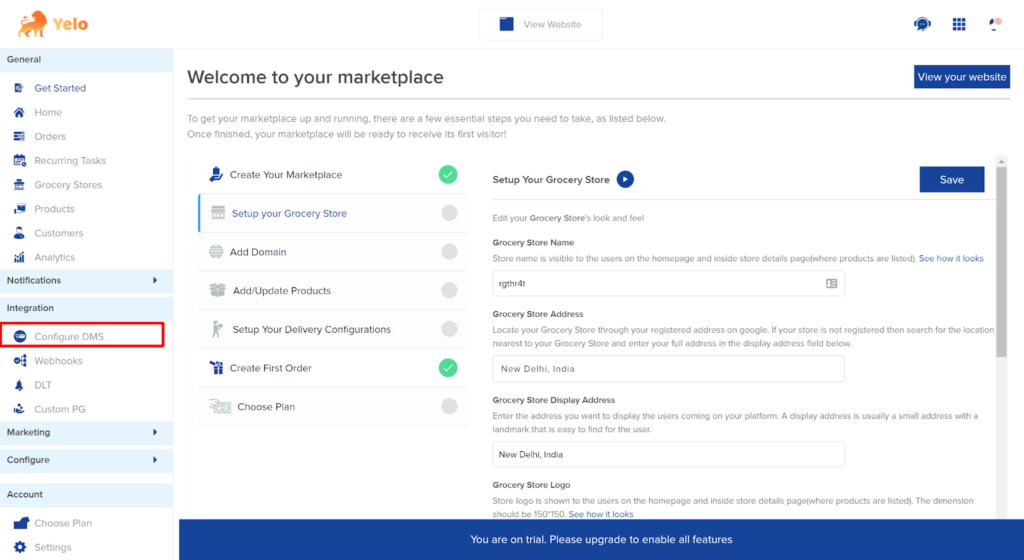
- On the right side of the dashboard, find “Configure DMS”.
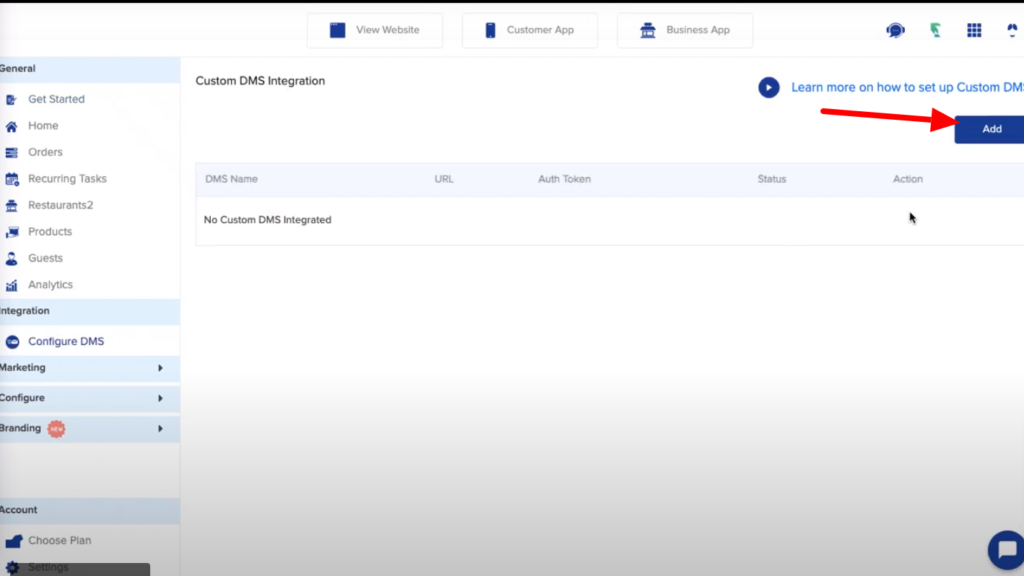
- A new page will appear. Click on “Add”.
- Here, add the relevant details such as DMS name, support email, URL and Auth Token. Click on “Update”.
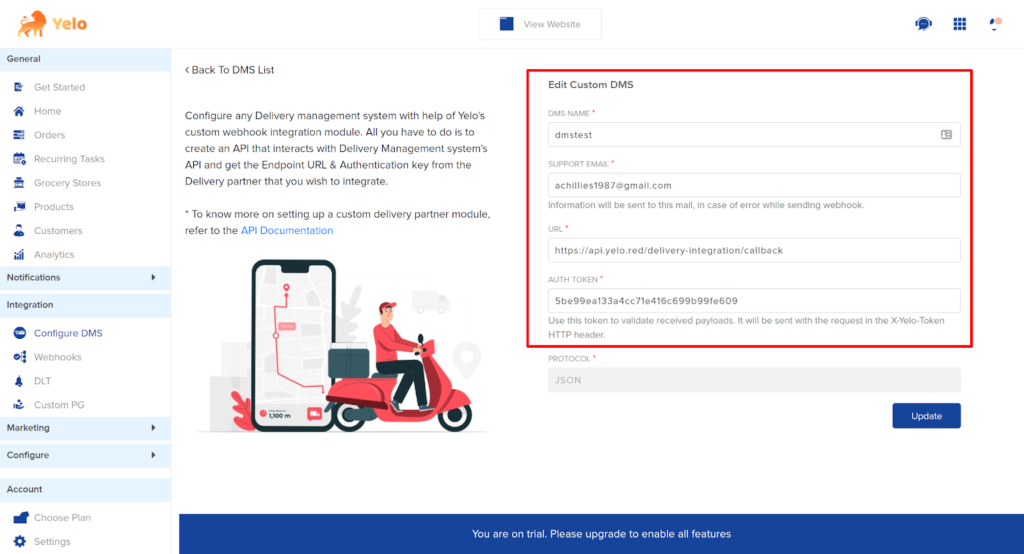
- Now, you have added the custom DMS.
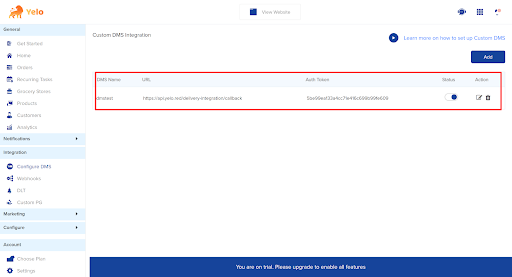
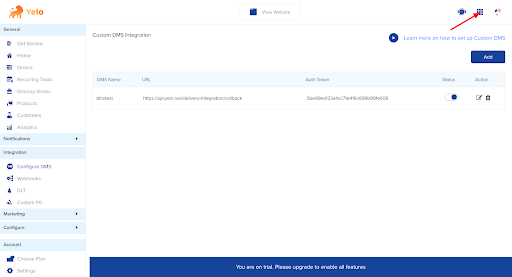
- Once you have set up the DMS, you can integrate the DMS platform Tookan, unless you already have. Click on the top right side of the dashboard.
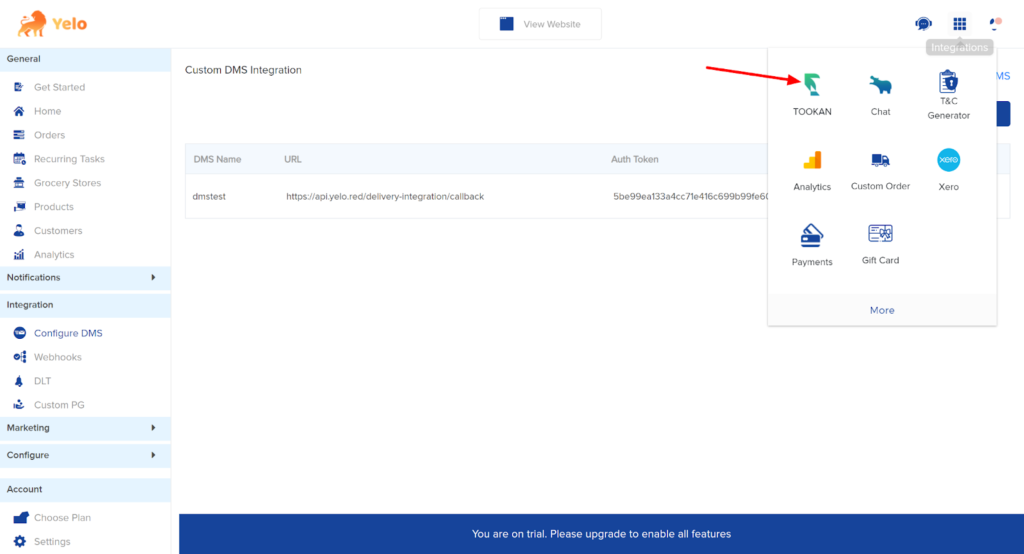
- Look for the Tookan DMS here.
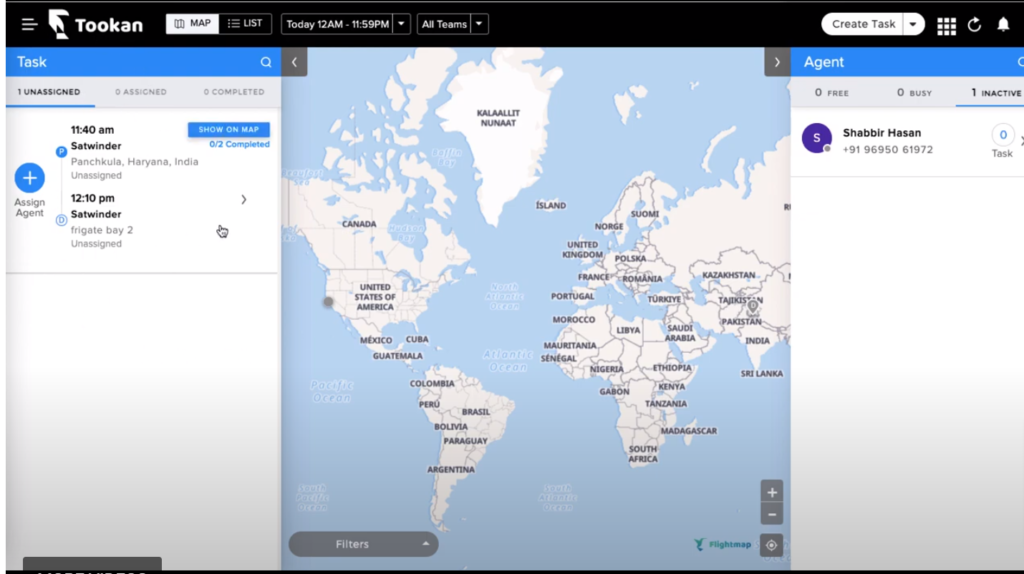
- Toggle on the Tookan dashboard button and go to “Dashboard”.
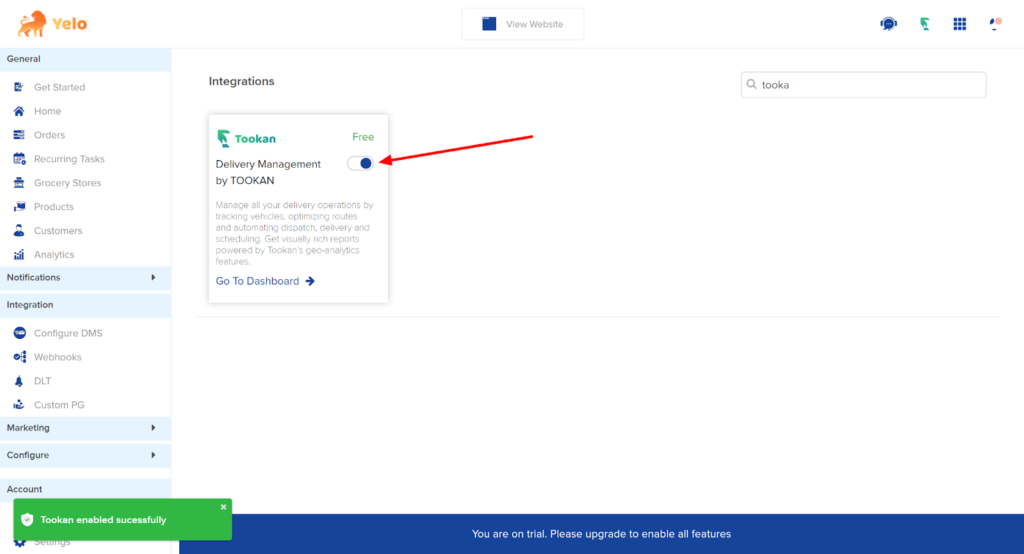
- In the dashboard, you can assign agents and manage orders.
Leave A Comment?