
How to Edit Thermal Printer Receipt
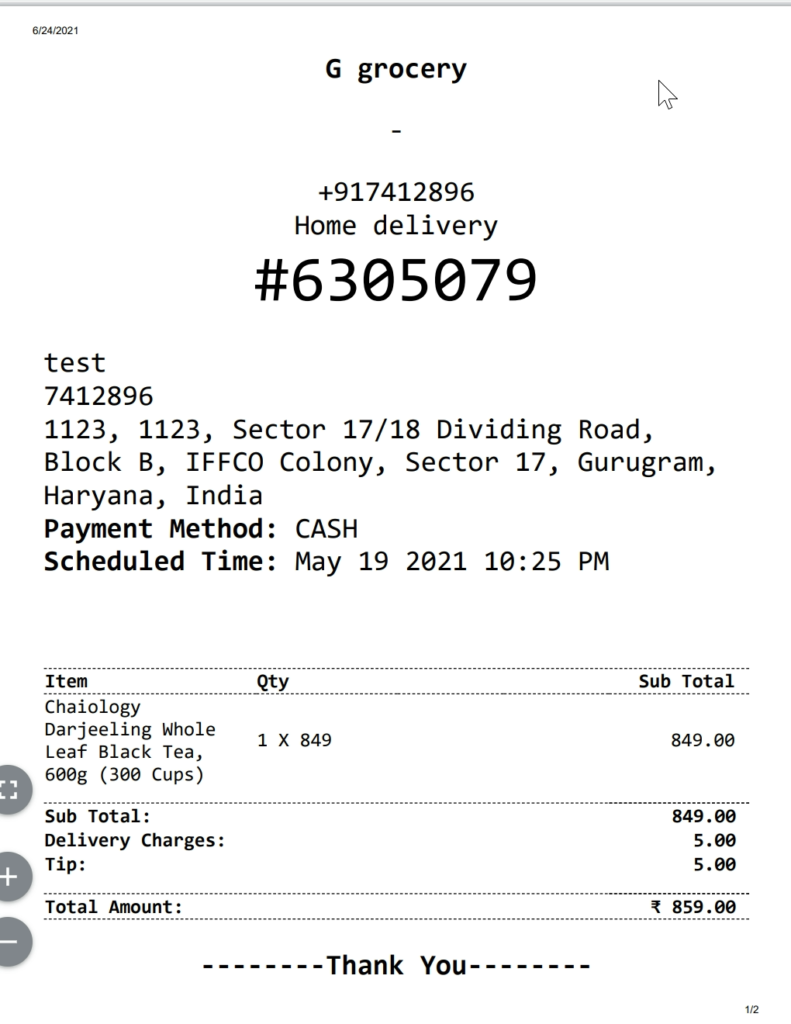
You can edit the Yelo thermal printer automated receipt according to your convenience.
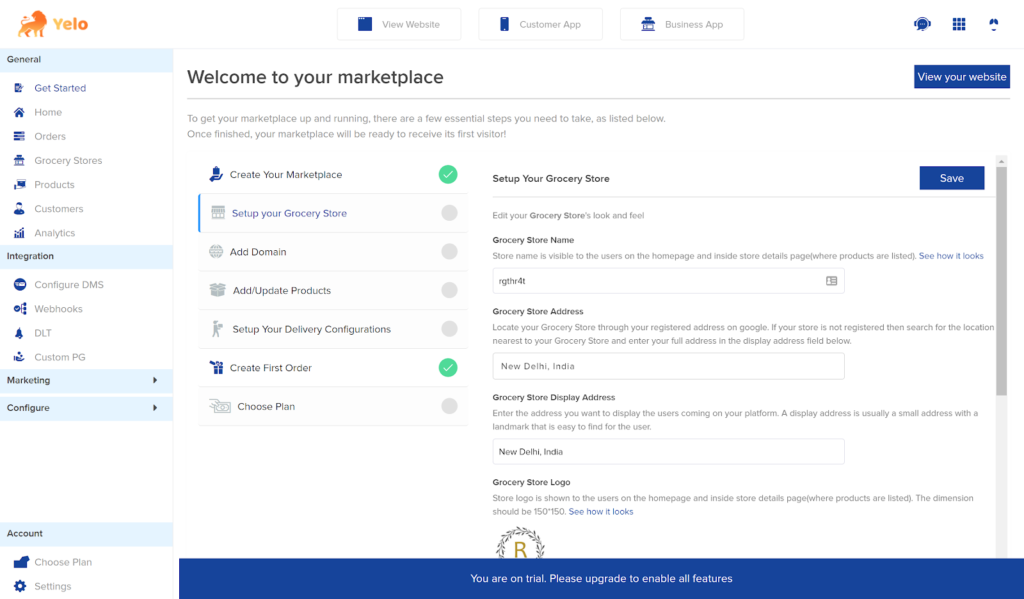
- Log in to the Yelo Admin Dashboard, which looks like this.
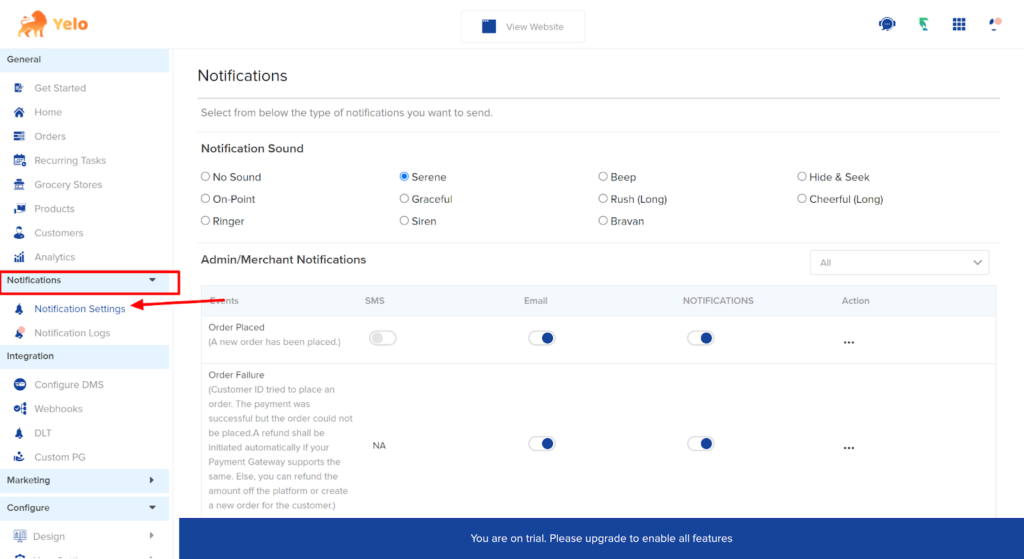
- Under the Notifications tab, Find Notification settings.
- Scroll down and find the Order Template option.
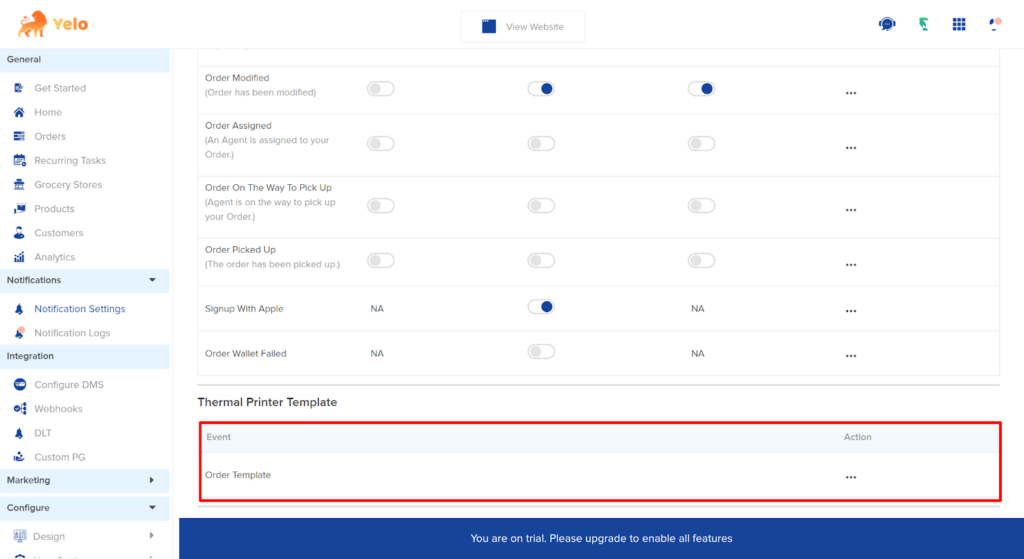
- Under Action, click on three dots and Edit. A new template will appear.
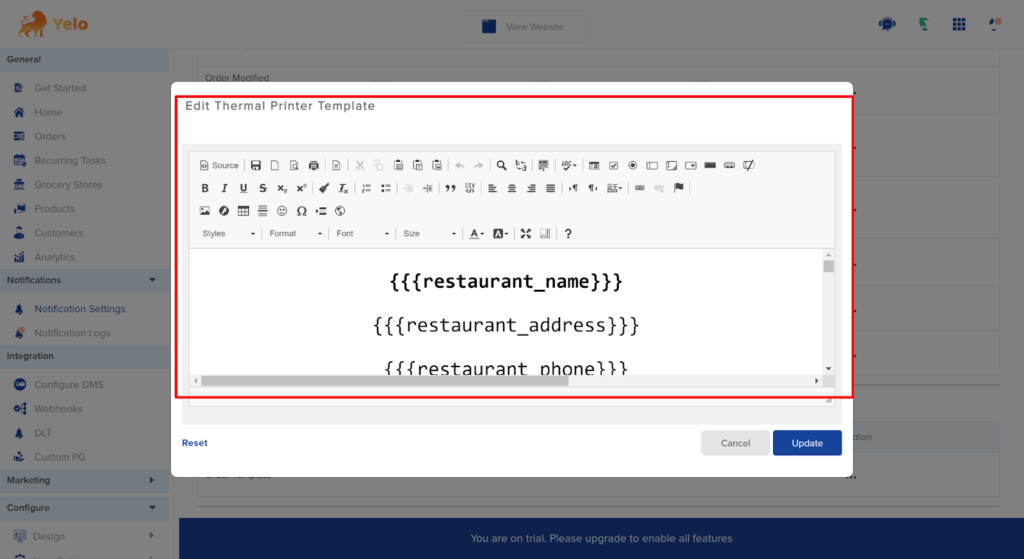
- You can add or delete the tag from the template and click on Update to save template settings. The template looks like this now.
Leave A Comment?