
Configure Minimum Order and Takeaway Amount
Merchants can also configure the maximum order per slot in their marketplace with Yelo. In a time slot, merchants can set the number of orders.
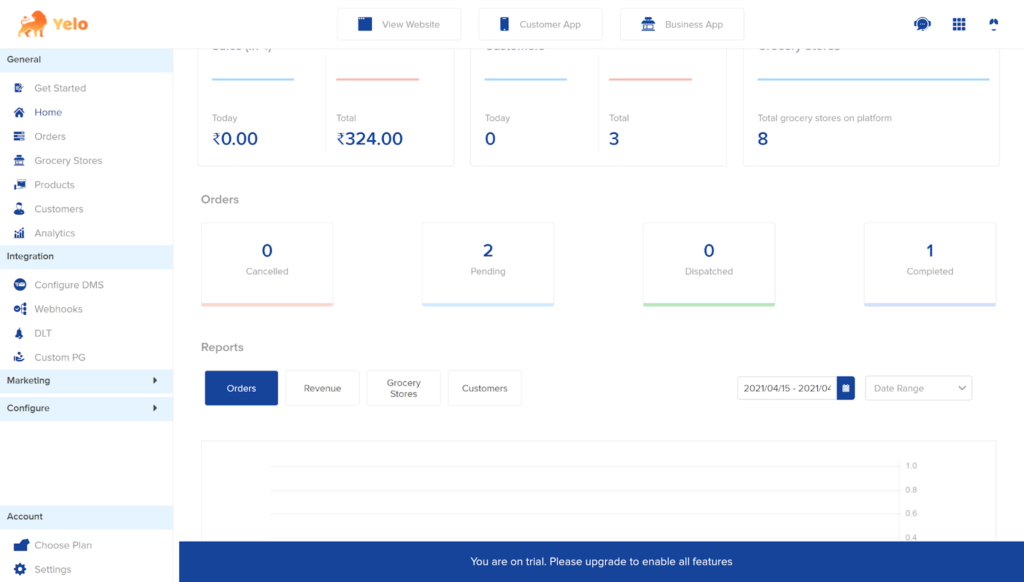
- Log in to the Yelo Admin dashboard, where your monthly sales, revenue, and orders can be viewed.
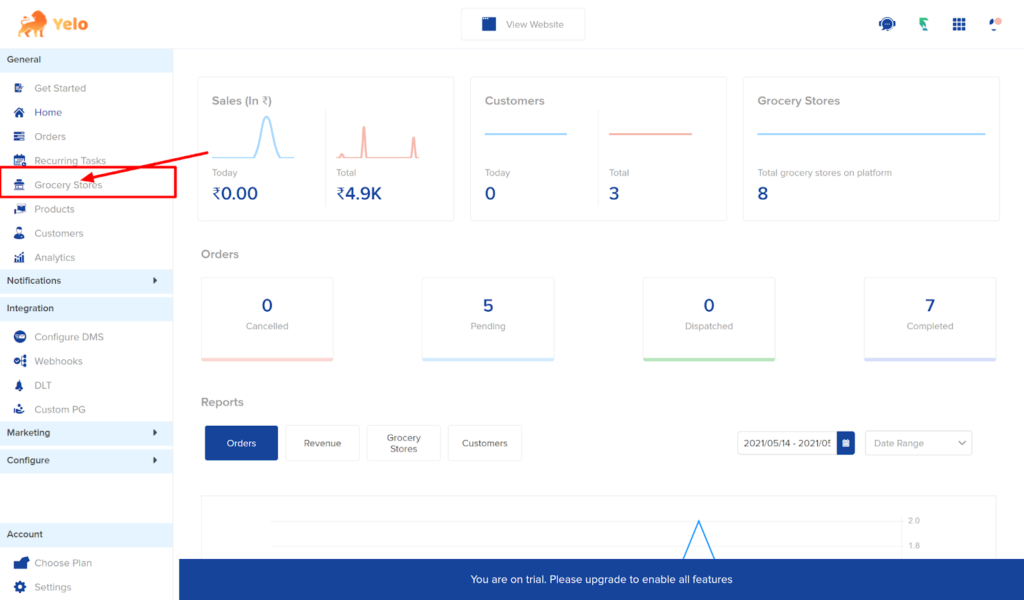
- On the right side of the dashboard, click on the Grocery stores tab.
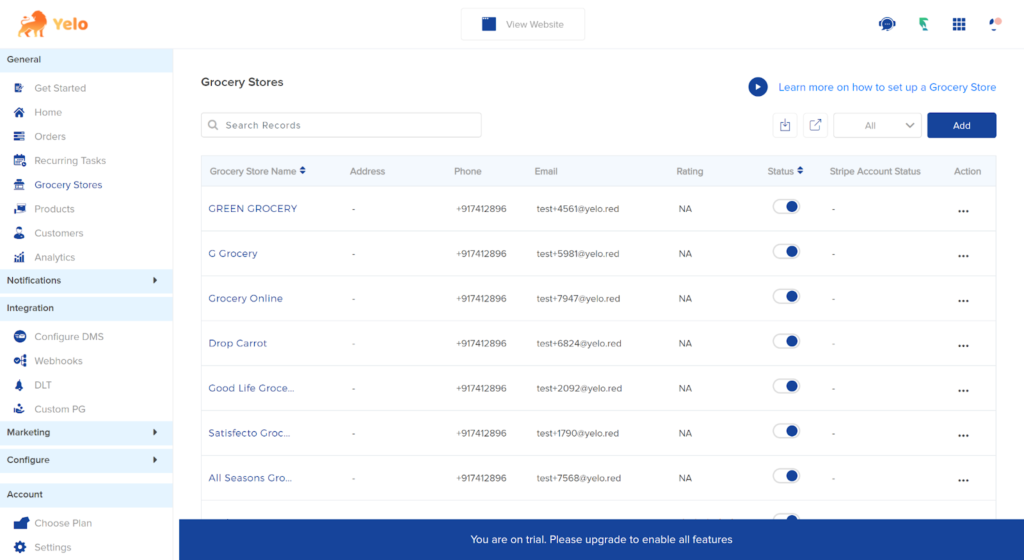
- Here, you will have a list of all the merchants or Grocery stores.
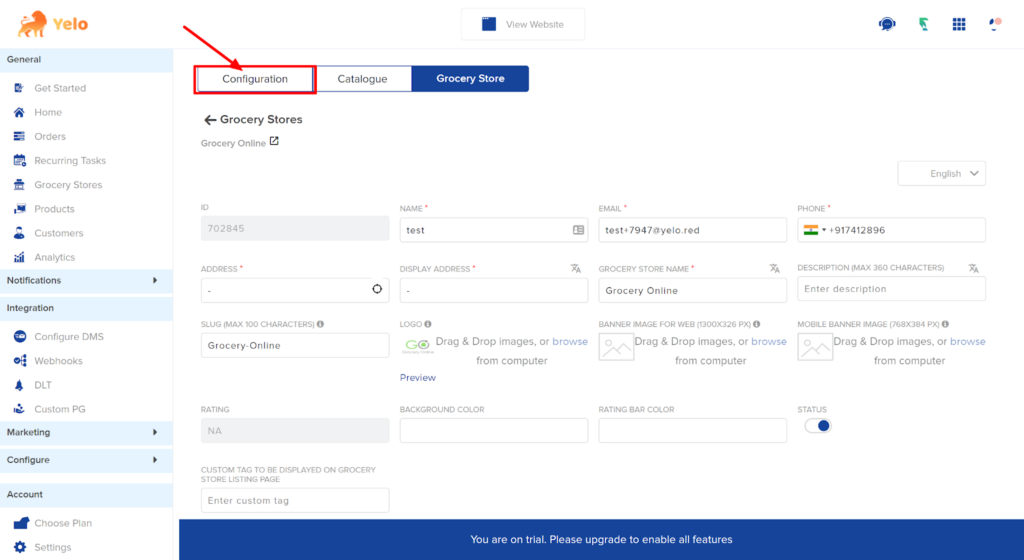
- In the Grocery store, find the Configuration tab and scroll down.
- Below, you will find the option ‘Maximum Order per slot’.
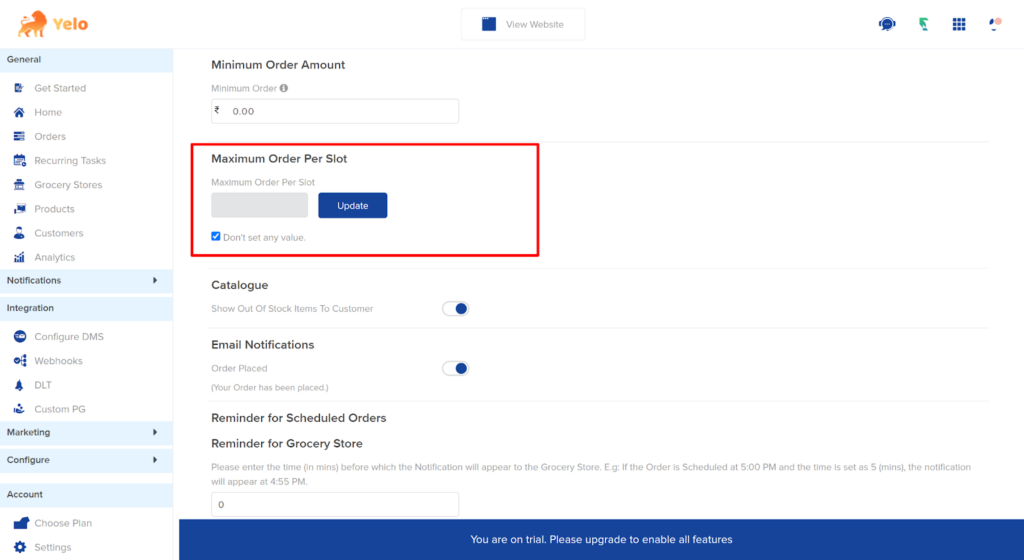
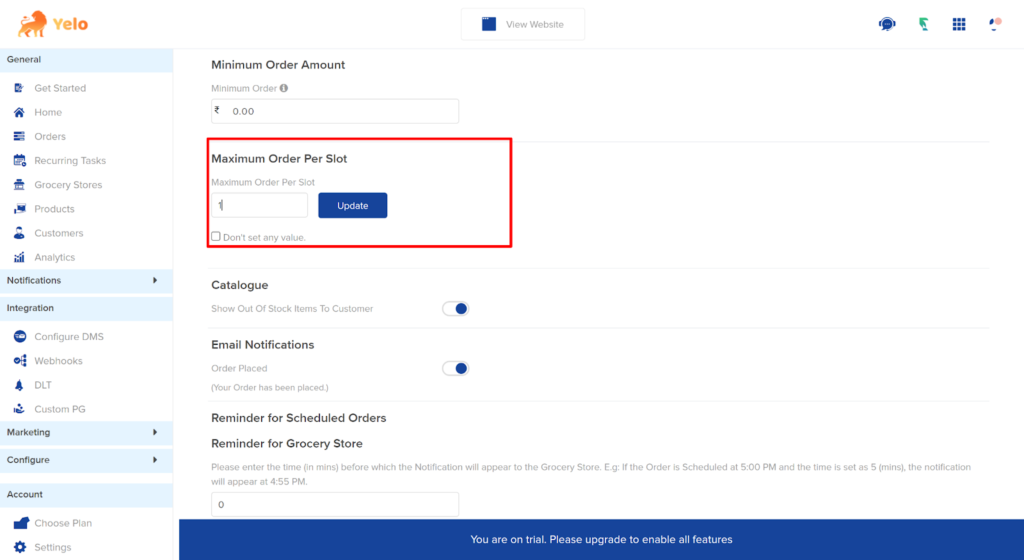
- Uncheck the box and set the number of orders per slot. For example, we have set the order as 1.
- Click on Update.
Now, the customers can only order one order at this time slot.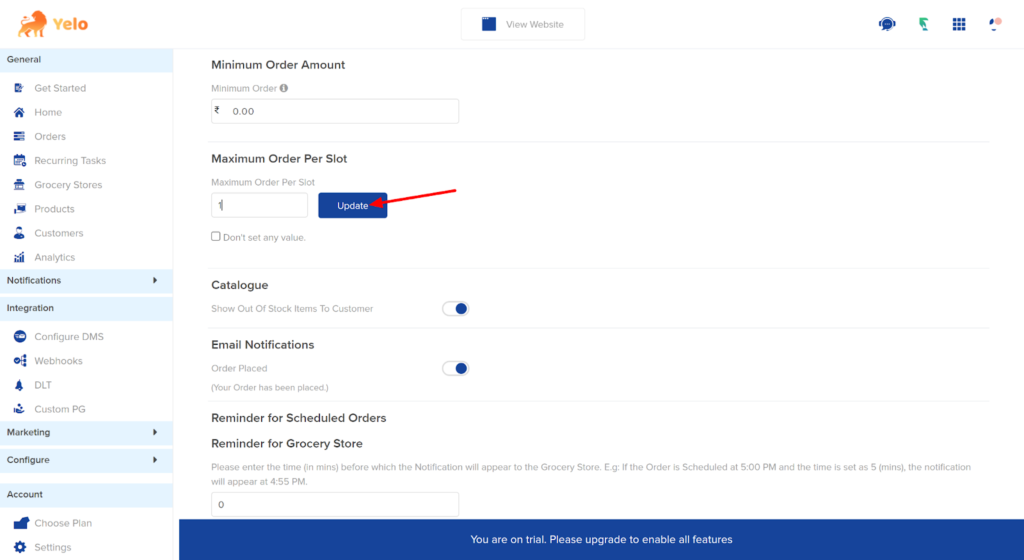
Leave A Comment?